
The actual event
Keep the first-contact moment and established facts visible.
One NPC, a fallible reading and room for correction
Turn one small first-contact event into an NPC’s negative but fallible first impression. Keep the facts clear, review the reaction and leave room to put things right.

One meeting. One limited viewpoint.
Separate the small event from what one NPC thinks it means.
Keep the first-contact moment and established facts visible.
Explore a negative impression shaped by limited evidence.
Give the NPC a tell and bounded behaviour.
Leave a clue and a credible chance to put things right.

Prepare the limited viewpoint
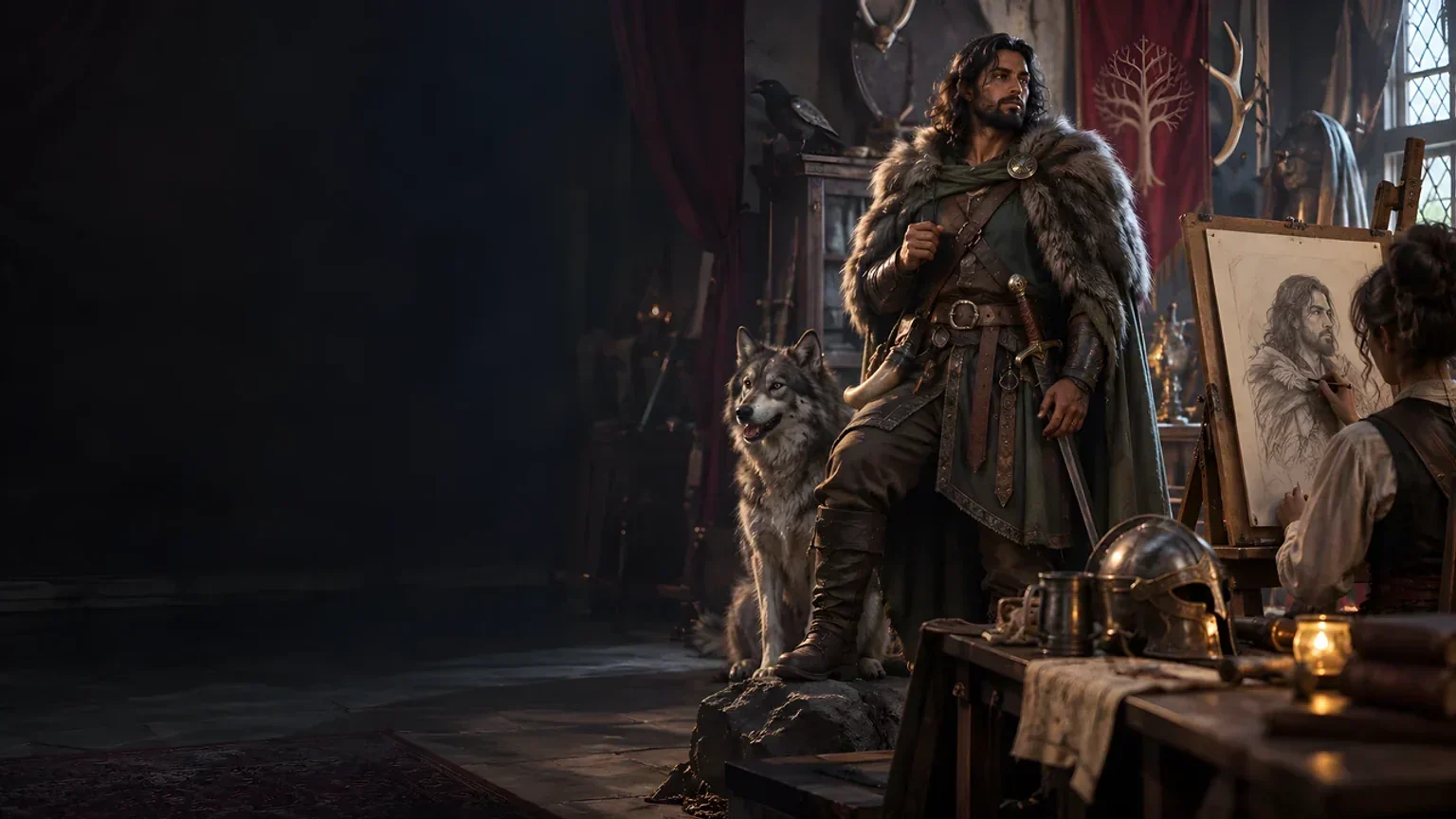
The illustration represents fictional scene preparation, not an application screen or generated image output.
Keep actual context beside the interpretation.
Consider the evidence and missing context.
From event to first impression
Prepare a useful social moment without deciding the whole relationship.
Enter the event, person being judged, identified NPC, actual context and established facts.
Set clarity, tone, opinion and scene type.
Consider what the NPC noticed, missed and brought to the meeting.
Review the reaction, correction clue and recovery opportunity.
Your first-meeting toolkit
Keep event, viewpoint, reaction and correction opportunity clear.
Keep the first-contact event and the person being judged clear.
Record actual context and established facts separately from the NPC’s interpretation.
Explore an arrogant, incompetent, untrustworthy, disrespectful or suspicious impression.
Consider evidence, knowledge, culture, expectations, stress and attention.
Review confidence, uncertainty, immediate behaviour and bounded social friction.
Provide an opportunity to challenge the assumption without deciding the outcome.
Use structured edits, undo and redo, section locks or rerolls to shape the material.
Revisit session history, prepare the chosen view and download the current version.
Prepare the meeting’s social detail
Use the detail already established in your scene.
Begin with five required details and the scene’s tone and opinion.
Add knowledge, culture, attention, evidence and social stakes.
Check Deep details when reusing a brief in Quick mode.
Review observation, opinion, behaviour and correction material.
Keep the current material useful
Choose what to retain, revise and share.
Refine the material with undo and redo.
Retain useful sections and revisit details.
Reopen up to twenty original-input results while the window remains open.
Keep the edited version after closing by downloading it.

A social moment to review
Review the tell and immediate behaviour.
Keep a correction clue and recovery opportunity.
Review player-facing details before sharing.
An impression leaves room for play
Review the material you choose to share and keep private context in your own notes.
Keep actual context beside the NPC’s uncertain reading.
Review the selected view and read-aloud after edits or rerolls.
Leave reputation, reconciliation and later reactions undecided.
This generator makes no roll, starts no combat and sends nothing to Combat PRO.
Choose your generator access
Choose the required generator access and review current pricing in your account.
Choose the required access for Bad First Impression Generator as a selected standalone generator.
Select this generator within an eligible pack. Review current capacity and pricing in your account.
Other generators, Battlemaps and image-credit products have their own access arrangements. They are not included automatically.
Create a free account, choose the required generator access and use Desktop Command Centre on Windows.
VISINVOKE means value
A focused tool for fictional first-contact friction and recovery opportunities.

Keep actual events beside the impression.
Give one identified NPC a fallible reading.
Review tells, uncertainty and immediate behaviour.
Leave later relationship outcomes undecided.
Build your tabletop toolkit
Each card opens its own product website. Review purpose and access separately; related products do not promise included access or automatic synchronisation.

Open your VISINVOKE products from Windows.

Frame a live exchange after an established social mistake.

Build the wider setting around your campaign.

Develop the places your party travels through.

Explore separate adventure environments.
Explore separate fantasy image creation.
Product artwork illustrates fictional scene preparation, not application screens or actual generated image output.
Quick answers
Understand the event, viewpoint, revision, sharing and access.
Turn one small first-contact event into one identified NPC’s negative but fallible first impression. Keep actual context beside the interpretation, review the NPC’s reaction and leave a correction clue and recovery opportunity.
Create a free VISINVOKE account and review current generator access and pricing in your account. Choose the required access for this selected generator or an eligible generator pack. Other VISINVOKE products have separate access arrangements.
Enter the first-contact event, person being judged, identified NPC, actual context and established facts. Choose clarity, tone, opinion and scene type. Deep adds knowledge, culture, attention, evidence, missing context and social stakes; review retained settings when reusing a brief.
Review and edit the current material with undo and redo, or lock and reroll six sections covering observation, opinion, behaviour and correction. Keep names and source details consistent with your inputs, and review the selected player view after changes.
Reopen up to twenty original-input results while the product window remains open. Later edits and rerolls do not update those history entries. Download the current version to keep it after closing. Copy or download a chosen JSON view, print it, or copy the read-aloud separately. Review current player-facing details before sharing.
Open Bad First Impression Generator from the Generators collection in Desktop Command Centre on Windows. It does not make a roll, start combat, change reputation or establish permanent hostility. It sends nothing to Combat PRO and leaves reconciliation and later relationship outcomes for play.
Continue in VISINVOKE
Create a free VISINVOKE account and choose generator access.
Get Desktop Command Centre from your account installer page. Sign in on Windows and open Bad First Impression Generator.